Choose ClapClip for Windows when you want a free remove.bg alternative that batches photos locally: it removes backgrounds on your own computer and, in local mode, does not upload them for that step. Choose the Cutout Free web editor when you need one cutout, no install and no account; choose remove.bg's desktop app when its API-and-credits workflow is already part of how you work.
Batch alone is not the difference: remove.bg's desktop app also processes multiple images and folders. The difference is where the work happens: remove.bg documents that its desktop app processes images through its API, needs a connection and an API key, and consumes credits for desktop output, while ClapClip's local mode runs the model on your computer.
Scope matters here: the Cutout Free web editor is an online tool, not an offline browser mode, and this article does not pretend otherwise. This comparison is about the desktop batch flow, where it stops, and what it does not claim.
| What matters | ClapClip for Windows | remove.bg desktop |
|---|---|---|
| Batch background removal | Process multiple images in a local batch workflow | Supports multiple images and whole folders |
| Processing location | Your own computer, using local AI | The remove.bg API, over the internet |
| Image uploads for processing | Not needed in local background-removal mode | Images are sent to the API for processing |
| Speed considerations | No per-image upload or result download; time depends on your PC and image size | End-to-end time includes network transfer and API processing |
| Background-removal cost | Completely free background removal | Desktop output consumes credits; see official settings for current rules |
| Fine edges and hair | Designed to preserve fine hair detail; inspect difficult edges | Evaluate the same source photos; this article does not establish a quality winner |
When should you batch locally instead of uploading one file at a time?
Use ClapClip when you have a shoot, a catalog or a set of portrait assets to clear in one pass and would rather not upload each file. Select the images, remove the backgrounds locally, review the set, then export; the choose-upload-wait-download loop disappears.
Use another route when you are on a machine where you cannot install software, when the destination demands a specific file size and layout that the app does not control, or when you need the single-image convenience of a browser tab. Batch automation removes repetition; it does not remove the review step.
A batch is still a set of individual judgments. Check the outline, the interior gaps and the thin parts before using each image, and do a small trial run before committing a whole shoot.
What does local processing speed up, and what does it not promise?
Local processing cuts the upload and result-download stages. Once the app and its model are ready, the images are processed on your computer, so the end-to-end time no longer includes sending every photo to a server and pulling the result back.
That is the entire speed claim. Real time depends on processor or graphics hardware, image dimensions, available memory and first-run model loading; there is no seconds-per-image figure that applies to every PC, and this article reports no controlled speed comparison against remove.bg.
If you want a number for your own workflow, time the complete job on the same set of photos: from selecting files to having usable outputs saved, with first-run setup separated from later batches. Then time the workflow you would actually use in the other tool, including its transfers, and compare like with like.
Which photos stay on your PC, and when does the network come back?
In local background-removal mode the source images do not need to be uploaded to an image-processing service. That matters for personal portraits, family photos and unreleased work: the matte is computed on the machine you control.
Local processing is not a permanently offline app. Installation, model downloads or updates may need a connection, and files you later put into a cloud-synced folder or share are outside this guarantee.
If avoiding uploads is the requirement, use the desktop local mode rather than the Cutout Free web uploader. The web editor processes online: it accepts PNG, JPEG or WebP up to 20 MB, re-encodes large images to fit 4096 px, 16 megapixels and roughly 3 MB before sending, and returns a PNG; it has no manual mask brush. That is a different job for a different tool, not a hidden offline mode.
Can any automatic matte keep every hair strand?
ClapClip's matting is designed to keep visible hair strands and soft transitions instead of turning the hairstyle into a solid block. It is a product capability, not a guarantee: the result still depends on the photo, and sharp focus, hair that is distinguishable from the background and a clear color difference are what make the edge possible.
No automatic matte wins every image. Motion blur, strong backlight and hair the same color as the background make the boundary ambiguous, and no tool can recover detail that is not in the pixels. Test the same difficult portrait in both tools before you commit a batch.
Inspect three things: missing strands, background trapped between curls, and pale or dark halos. View the cutout on a light and a dark background at the original size, not only on the preview checkerboard.
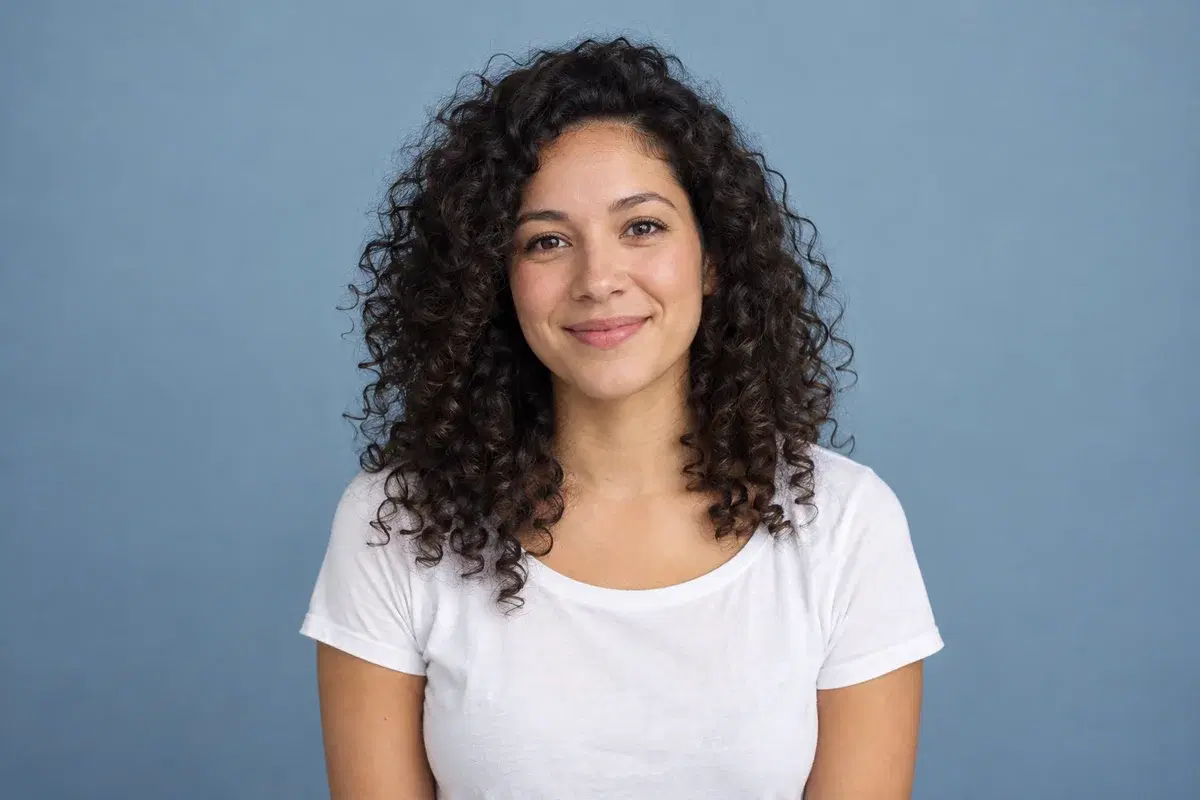
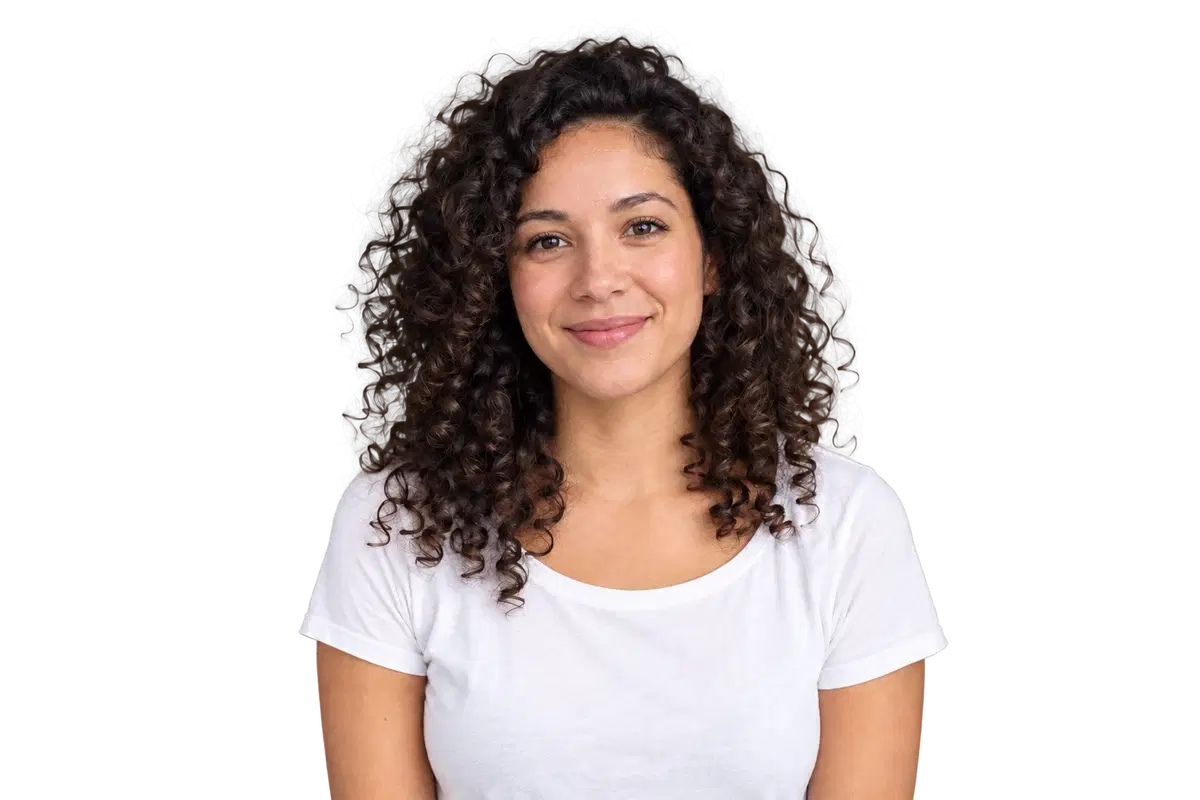
The preview above is an editorial illustration, not a before/after from a measured test. It shows what to inspect, not who wins.
What is free, and what are you not comparing?
ClapClip's background-removal feature is completely free, including the local batch workflow. You do not pay a per-image background-removal fee while working through a collection; that statement covers background removal, not every other ClapClip AI feature.
remove.bg's official desktop settings documentation describes credit usage for output options. Check that page for the current rules before planning a large batch: a free app download and free processed output are different things.
Compare the workflow you will actually run. If you need one image and no install, the free web editor avoids the install entirely; if the collection is large and the photos are private, local batch processing is the reason to install the desktop app.
How do you run a batch and check it before you export?
1. Download ClapClip for Windows from the official download page and complete the first-run model setup. Keep the originals in a separate folder so you can return to them.
2. Open the image matting/background-removal feature and select the photos for this batch.
3. Run local background removal. Do not judge the batch from thumbnails; open a few representative images at full size.
4. Inspect the same three places on every category: portraits around the hairline and loose strands, products around thin parts, and interior gaps such as handles and straps.
5. Export to a clearly named local folder. Use a format that preserves alpha (PNG where available) for assets you will composite later; JPG cannot store transparency.
6. Run a small trial batch first when the source photos are difficult. Fixing lighting or framing before the full run is cheaper than repeating it.
Bottom line: which tool should you use?
Pick ClapClip when free local batch processing is the requirement and you accept that edge quality still depends on the source photo. Pick remove.bg's desktop app when you already rely on its API workflow and credits. Pick the Cutout Free web editor when you need one quick cutout and do not want to install anything.
Windows 10/11 · Free to download