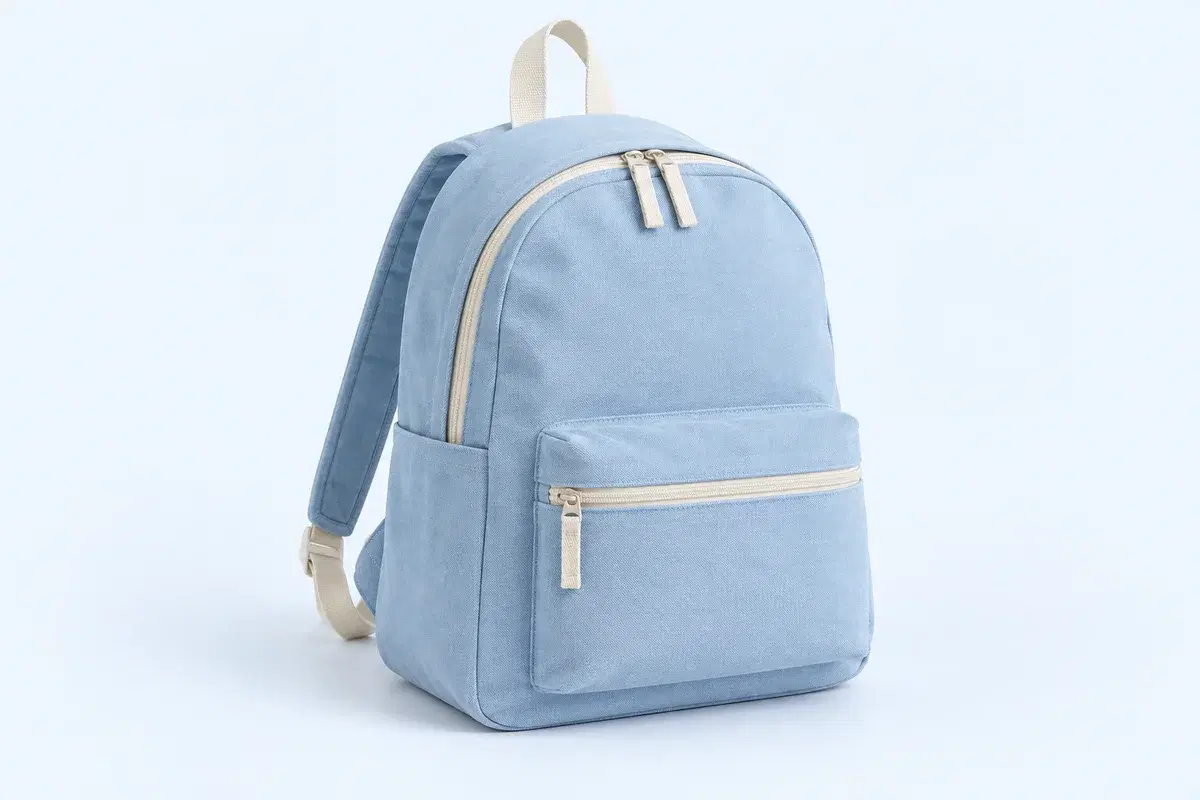
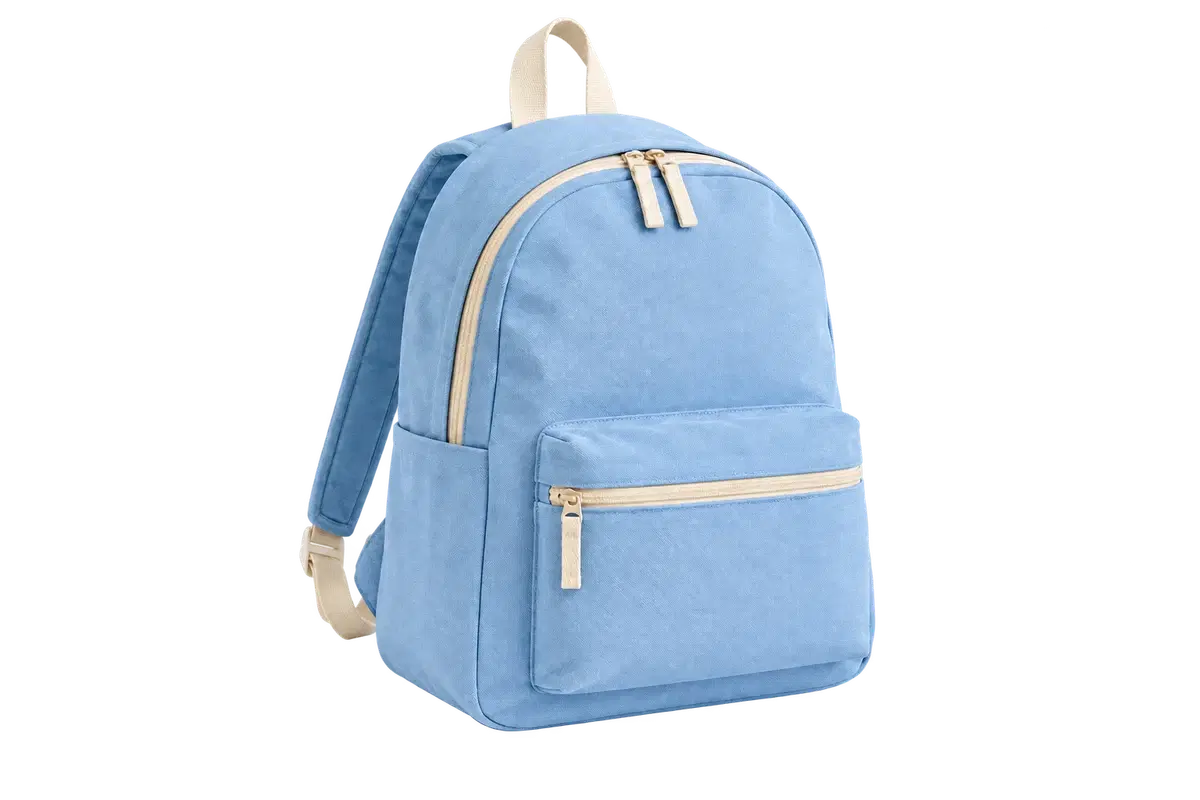
Product photos
Give every listing the same clean background, whichever marketplace it goes to.
Create White Backgrounds for Product Photos →From fine hair to everyday products. Remove the background, change the setting, and give your subject a new place to shine.
Completely free. No account needed.


ClapClip AI · Windows
The ClapClip app for Windows adds face swap, photo enhancement, transcription, and video editing.
Cut the subject out once, then reuse that one file wherever you need it.
Give every listing the same clean background, whichever marketplace it goes to.
Create White Backgrounds for Product Photos →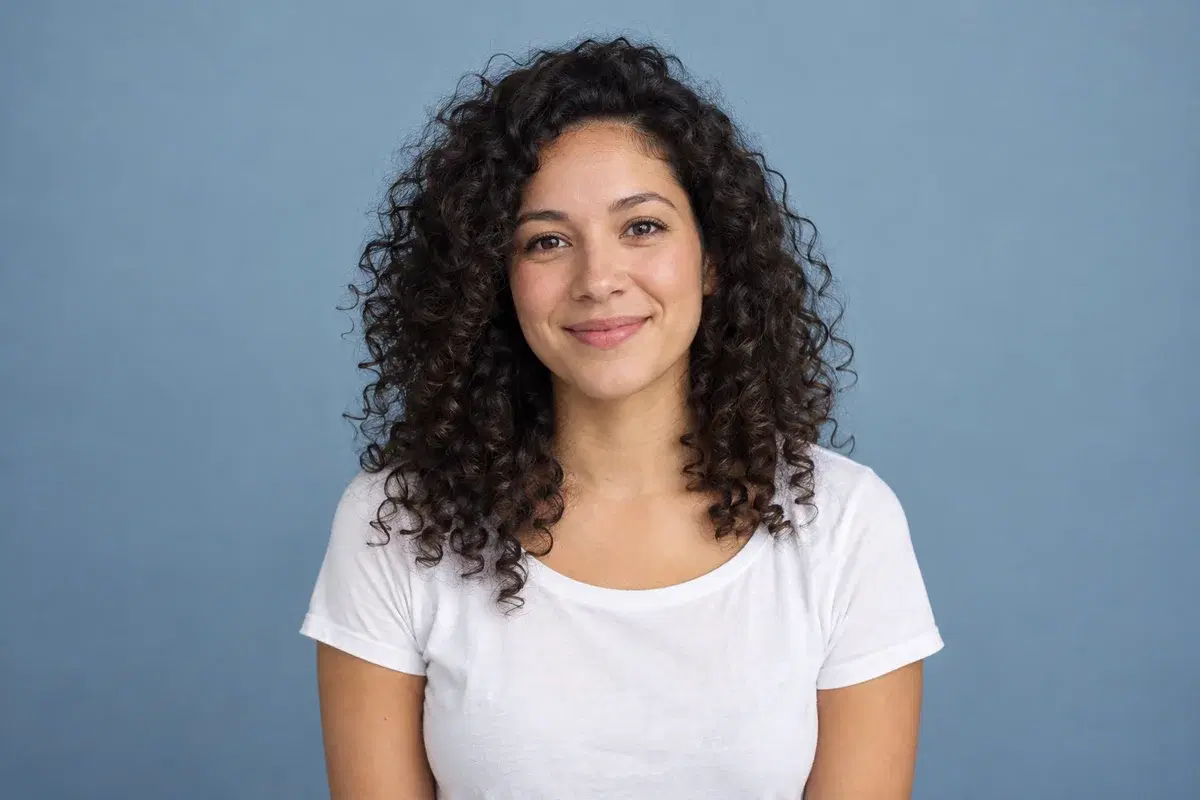
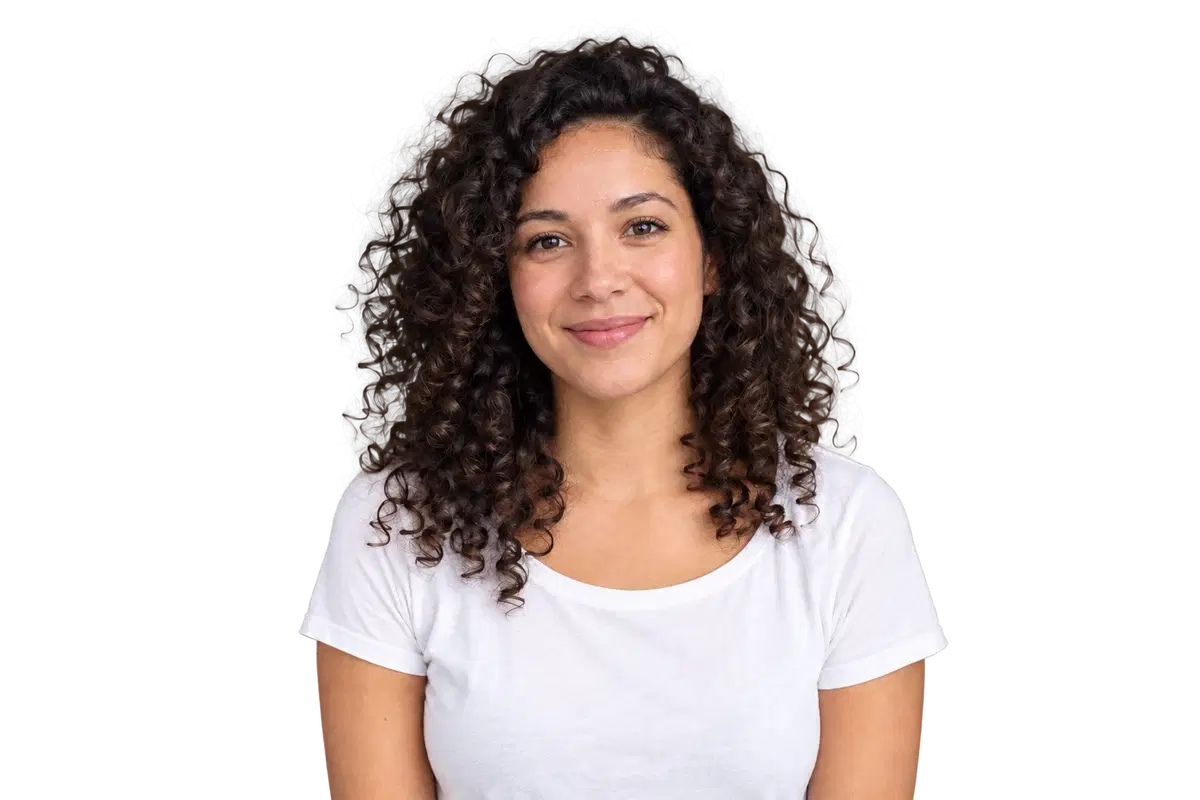
Choose a white, blue or custom background for a profile picture. Check the rules separately for official ID photos.
Remove Backgrounds with Cleaner Hair & Edges →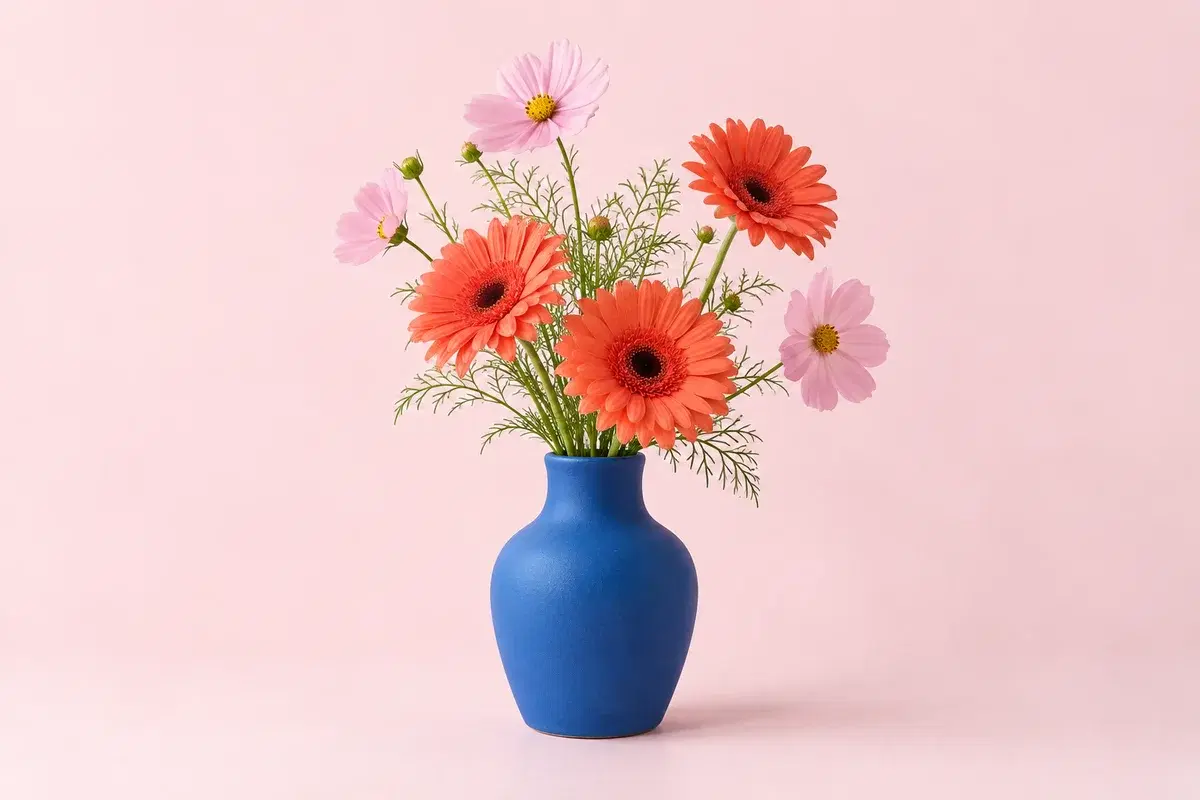
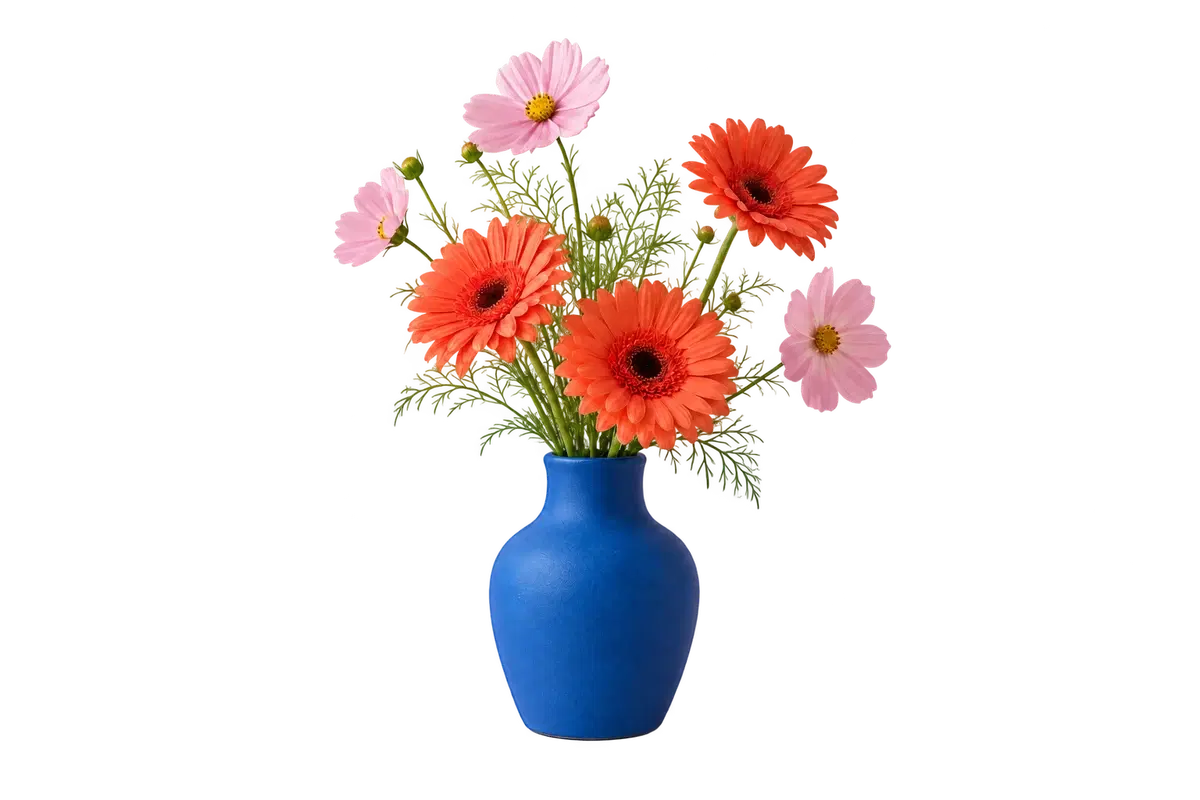
Drop a transparent PNG straight into a slide, a thumbnail, or an ad.
Make a Transparent PNG: PNG vs JPG →Pick a clear photo. It can be a person, a product, a pet, or an object.
Compare the result with the original. Zoom in around hair, handles and thin edges before saving.
Leave it transparent or put a color or photo behind it, then download.
Common questions.
Use a sharp image with the whole subject visible. Clear separation between the subject and background gives the cleanest edges.
Yes. Choose transparent background and download PNG. JPG does not support transparency, so it is exported with your selected color or image backdrop.
Yes. After processing, choose a solid color or upload another image. The editor keeps the original cutout untouched.
Yes. Upload, compare, zoom, change the background, and download from current mobile and desktop browsers.
No. Background removal and PNG or JPG downloads are free, with no sign-in, credits or daily usage allowance.
No. This web tool uploads photos for online processing; it does not remove backgrounds offline. Use ClapClip for Windows if you need its local batch workflow.
PNG, JPEG or WebP up to 20 MB and 24 megapixels. HEIC, GIF, SVG and PDF are refused, so convert them first. Before upload, the browser fits the image inside 4096 px on the long edge and 16 megapixels, so a very large photo is processed from a downscaled copy.
The browser downscales uploads to fit 4096 px, 16 megapixels and roughly 3 MB before removal, and the result is written at that size. If you need every pixel at the edge, crop the source tightly around the subject before uploading.
Not in this editor: there is no mask brush, feathering or crop, and the matte you see is what you download. Try again with a sharper photo or a tighter crop, so more of the available pixels go to the edge.
Yes. The ID photo background changer puts your cutout on a white, blue, red or custom background, lets you frame the portrait and pick a size, then exports PNG or JPG. The size presets are framing guides, not a guarantee of official acceptance.
Not online: one upload at a time, with no preset carried over between images. ClapClip for Windows adds batch processing for folders of photos, custom sizes and custom backgrounds.