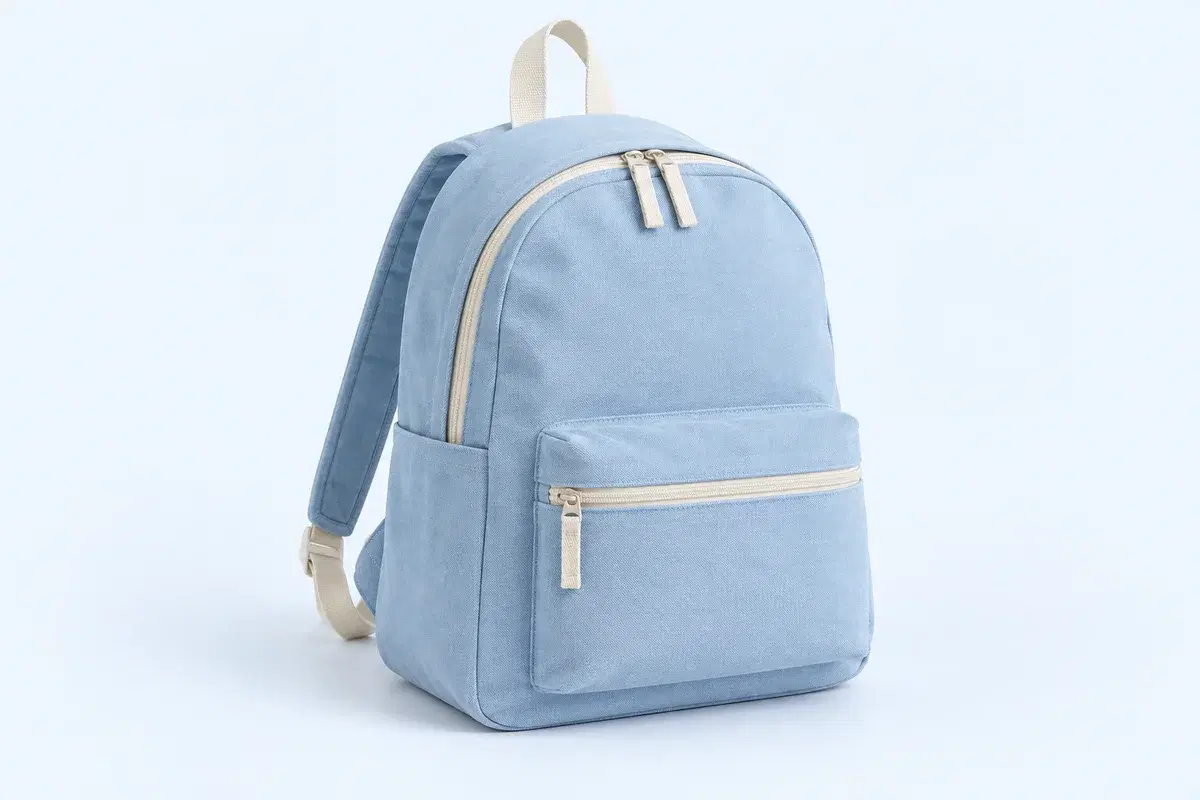
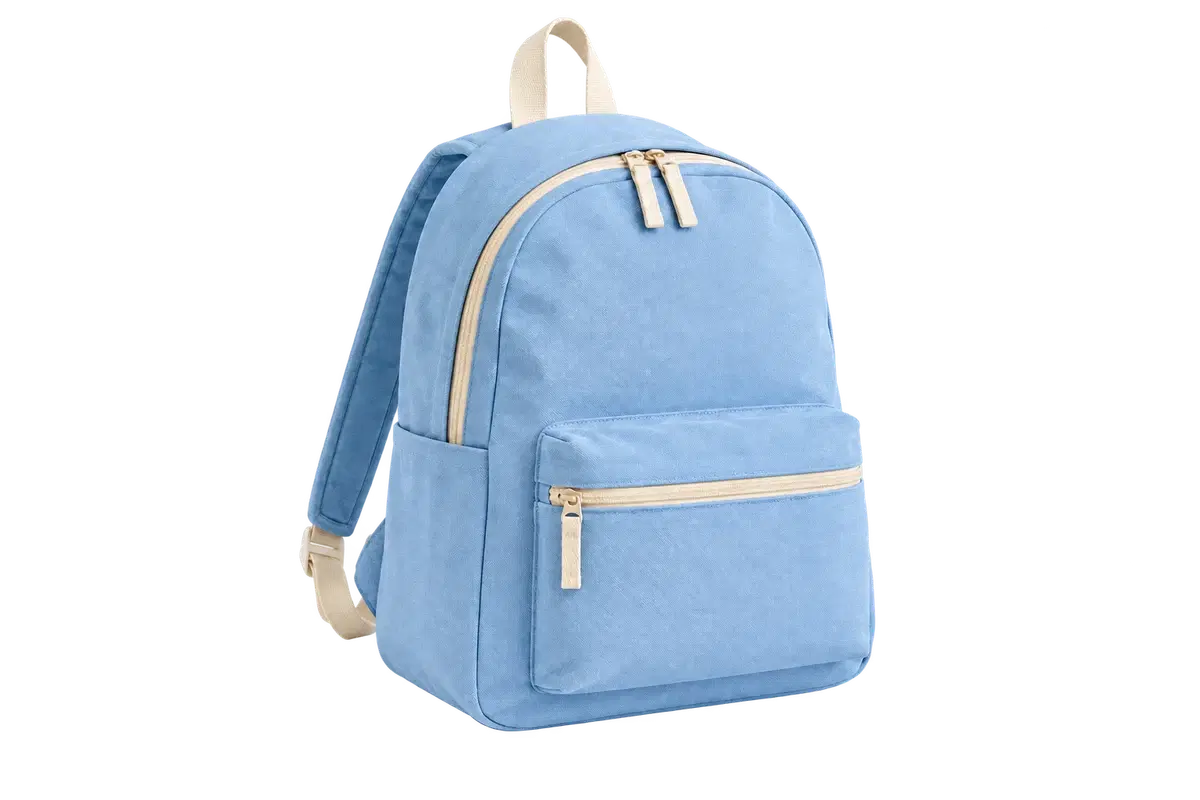
Every marketplace wants the same first impression: the product, nothing else, on a clean background. The rules behind that differ. Amazon requires a pure white background on the main image; eBay and Etsy recommend plain backgrounds without enforcing a color. One cutout covers all of them if you export it the right way for each destination.
This guide uses the free editor on this site, which removes the background from one photo at a time without an account. The numbers below are the editor's actual limits, not estimates.
The order that works: cut out once, download the transparent PNG as your master, then set the white background and download the JPG for the main image. Doing it in that order means the background can change later without uploading the photo again.
| Destination | Background | Export |
|---|---|---|
| Amazon main image | Pure white | JPG with the White preset |
| Amazon additional images | Lifestyle or colored backdrop | PNG master placed on a backdrop, or Image background in the editor |
| eBay gallery image | Plain, white recommended | JPG with the White preset |
| Etsy listing | Any clean background | JPG with a color or photo backdrop |
| Your own store or ads | Changes per campaign | Transparent PNG, placed in your design tool |
What should the source photo look like?
Automatic removal reads the edge between the product and whatever is behind it. The cleaner that edge in the photo, the cleaner the cutout, and there is no brush in this editor to repair a missed edge afterwards.
- Photograph the product on a plain surface that contrasts with it: a dark product on a light table, a light product on a mid-grey card.
- Light it evenly and avoid deep shadows under the product; a soft shadow is kept as part of the subject and looks odd on pure white.
- Fill the frame, then crop in your phone's editor before uploading. The editor accepts PNG, JPEG or WebP up to 20 MB and refuses anything that decodes to more than 24 megapixels.
- Convert HEIC from an iPhone first; HEIC, GIF, SVG and PDF are rejected before processing.
What happens to a large product photo?
Before sending, the browser fits the image inside 4096 pixels on its long edge and 16 megapixels, then re-encodes it to stay under roughly 3 MB. The result comes back at that reduced size, so a 48-megapixel studio shot becomes a 16-megapixel cutout.
For a marketplace tile that is more than enough. If you need every original pixel, for a print catalogue for example, crop the source deliberately to the product so the downscale has less to remove, or use the Windows app, which has no browser upload step.
How do you export the white main image and the PNG master?
Run the removal, then switch to Compare and zoom in around the edge, 1× to 4×, especially on handles, straps, cables and anywhere the product touches its own shadow.
- 1. Leave the background on Transparent and download PNG. This file keeps the alpha channel at the result's pixel size. It is your master.
- 2. Switch the background to Color and choose the White preset. Look at the edge again: on white, a pale halo or a sliver of the old background shows up that the checkerboard hid.
- 3. Download JPG. The export draws the cutout on a white canvas and saves at quality 0.94. This is the main-image file.
- 4. For a lifestyle image, choose Image as the background and upload a backdrop; it is prepared at up to 2048 pixels on its long edge and scaled to cover the frame. Download JPG for the listing.
Why does the white version show an edge the preview did not?
The checkerboard is a preview layer; it is not in the file, and it hides faint edges because its own pattern is busy. A white background is the harshest possible test for a cutout, which is exactly why marketplaces like it.
If a halo appears, the fix is in the source, not the export: a photo with more contrast between product and surface, or a crop that keeps the product away from the shadow it casts. The editor has no feathering or threshold slider, so what the automatic matte leaves is exported as it is.
What about a whole catalogue?
The browser editor handles one file at a time, and two short request budgets apply: six removals a minute from one browser session and twelve a minute from one network. They reset within a minute and there is no daily allowance, so a hundred SKUs is a slow afternoon rather than a wall.
For a catalogue, the ClapClip app for Windows processes a folder in one batch with the same background settings on every file, and keeps the photos on your own PC. The same source rules apply: a clean, contrasting surface in the photo does more for the result than anything in the software.
Windows 10/11 · Free to download