Free ID Photo Background Changer
A fresh background. A photo that fits.
Change your ID photo background to white, blue or red. Frame your portrait, choose a size and download it for free.
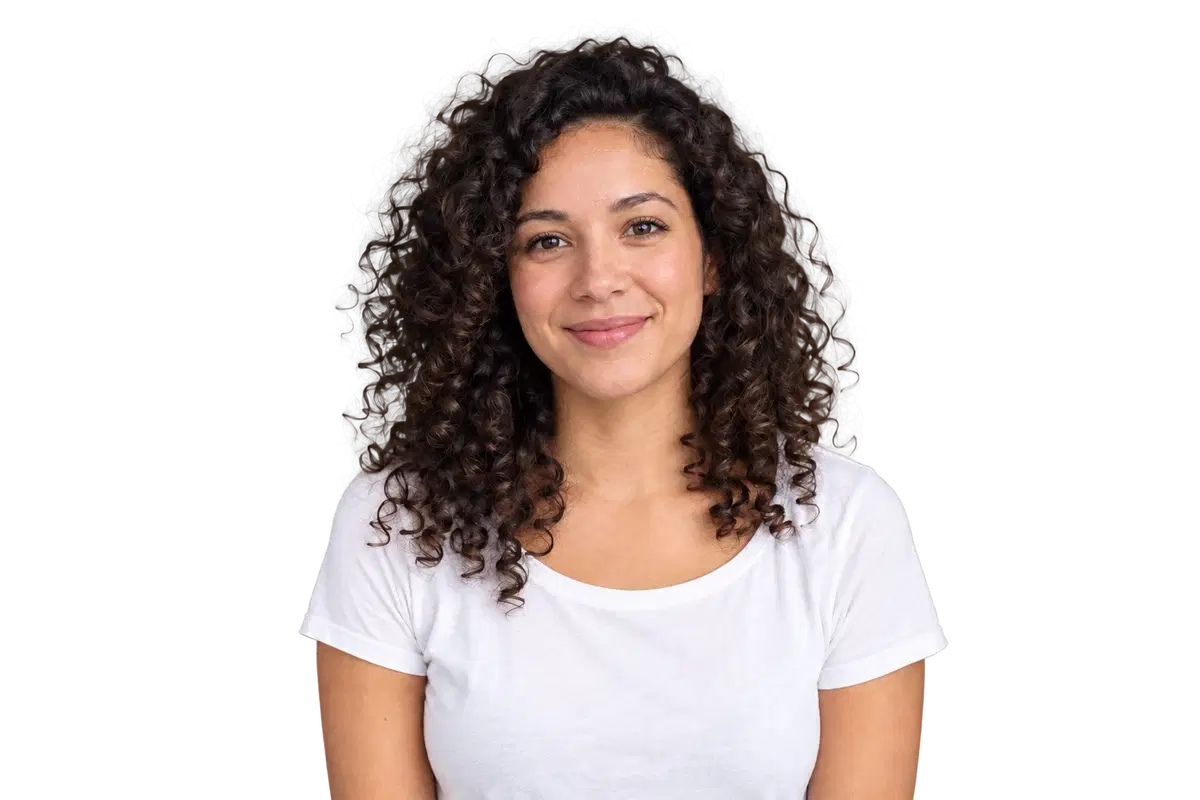
From portrait to a new background
Upload and remove
Use a clear, front-facing portrait with space around your head. Remove the original background first.
Choose color and crop
Pick white, blue, red or a custom color. Choose a size and adjust the portrait to fit the frame.
Download your photo
Save PNG or JPG at the displayed pixel dimensions. Changing the background or crop does not submit another processing job.
The online tool uploads your portrait for background removal. Color, framing and export are then handled in your browser. For local processing, use the ClapClip Windows app. Privacy
Passport, visa and ID rules vary. Some authorities do not accept digitally changed backgrounds. These presets do not check head size, expression, lighting or eligibility, and do not embed a print DPI setting. Passport photo sizes and backgrounds by country